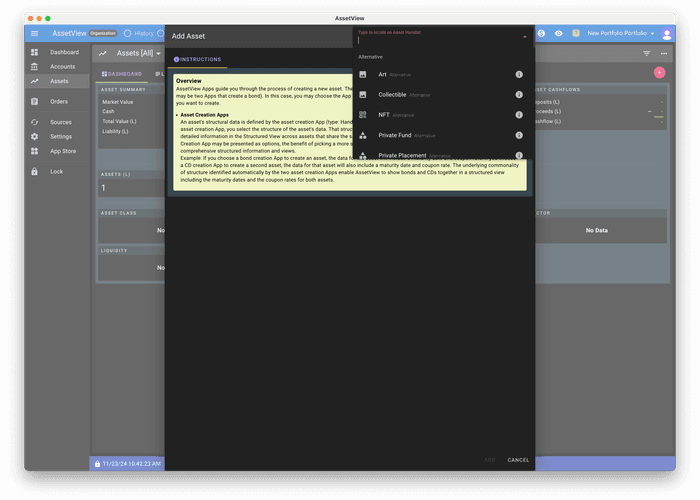
Manual Account Creation
Video Guide: Create an Account Manually
Step-by-Step Guide: Create an Account Manually
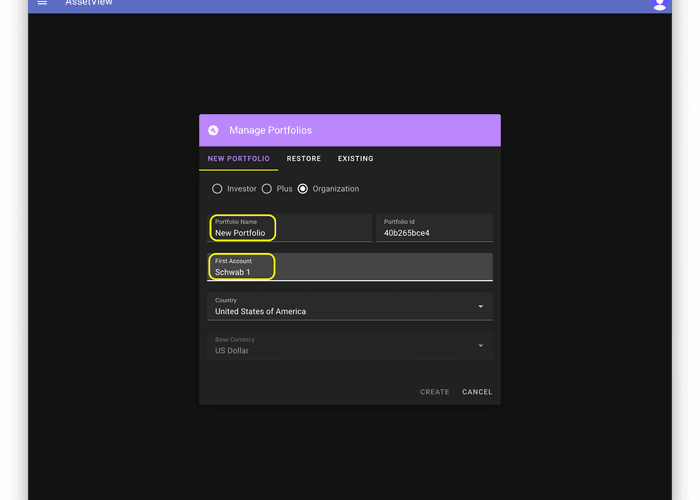
- Name your Portfolio and name your first Account.
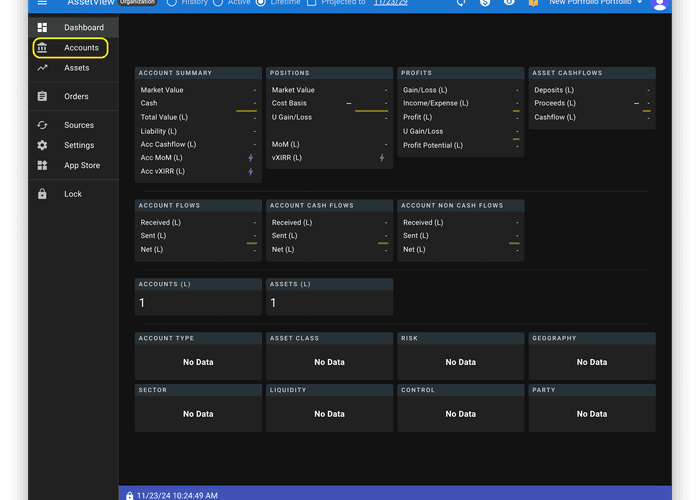
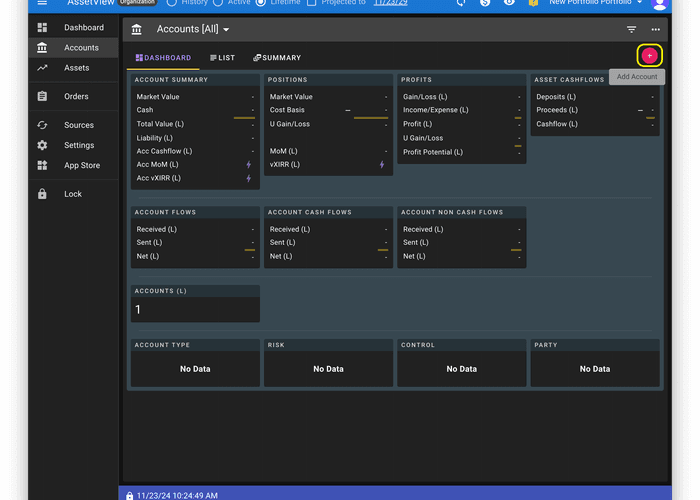
- Select "Accounts" in the left navigation menu.
- Click the "+" button to add a second Account
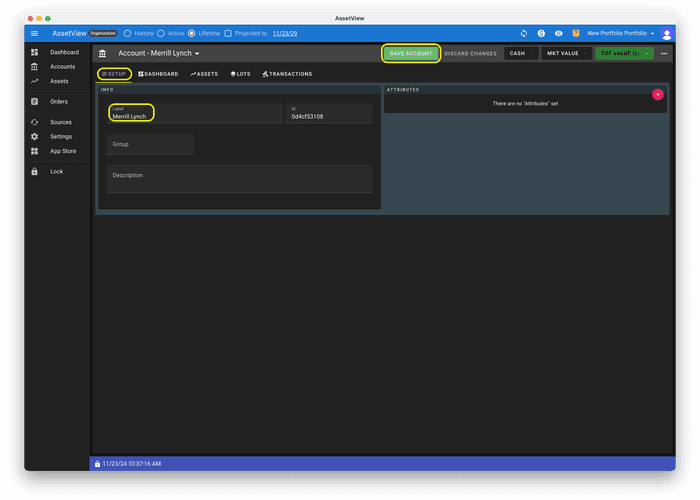
- Click the "Setup" tab, name the Account, and click the "Save Account" button.
- Click "Assets" in the left navigation menu.
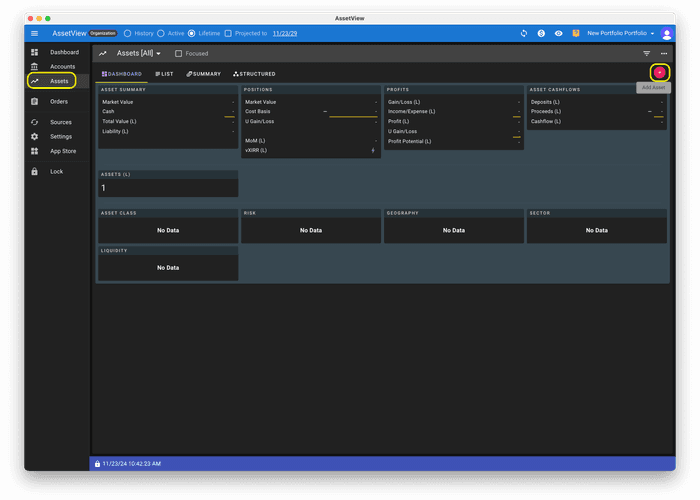
- Choose an Asset Handler App to create an Asset. For information on asset creation please visit the Asset Creation page